> For the complete documentation index, see [llms.txt](https://docs.airdesk.ai/llms.txt). Markdown versions of documentation pages are available by appending `.md` to page URLs; this page is available as [Markdown](https://docs.airdesk.ai/interface/utilitario/editar-perfil.md).
# Editar Perfil
Clicar na Fotografia/Empresa e selecionar "**Conta e Perfil**".
### Dados Pessoais
Carregue uma foto em carregar foto, insira o Nome completo no respetivo campo e a Data de Nascimento.
### Morada
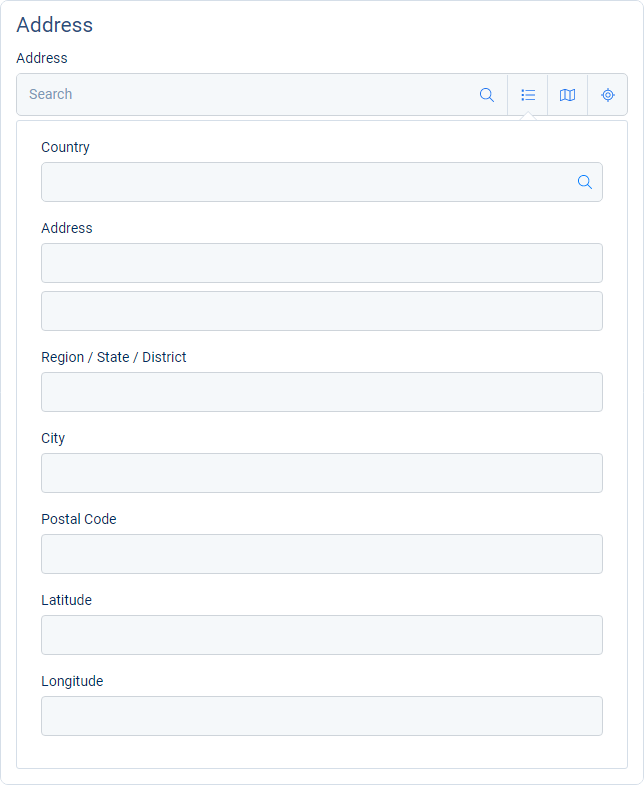
Tem três alternativas para inserir a morada Profissional: via extenso com a possibilidade de coordenadas, via mapa ou ainda por Geolocalização.
### Contactos
Inserir nº de telefone profissional e Email (se estiver a completar, o seu perfil irá aparecer por defeito).